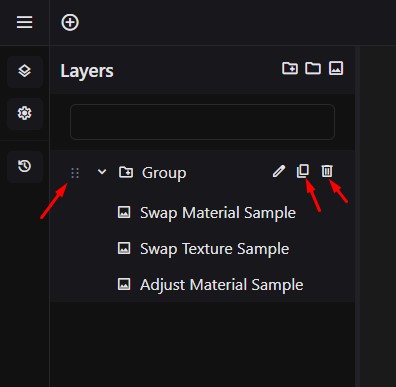
Reordering, Duplicating, and Deleting Layers Drag and drop layers in the Layers panel to reorder them. Right-click a layer (or use the layer menu) to duplicate or delete it. Pressing Delete on your keyboard will delete the currently selected layer. Doc navigation← Option Layer How can we help? Name Email Subject Message